
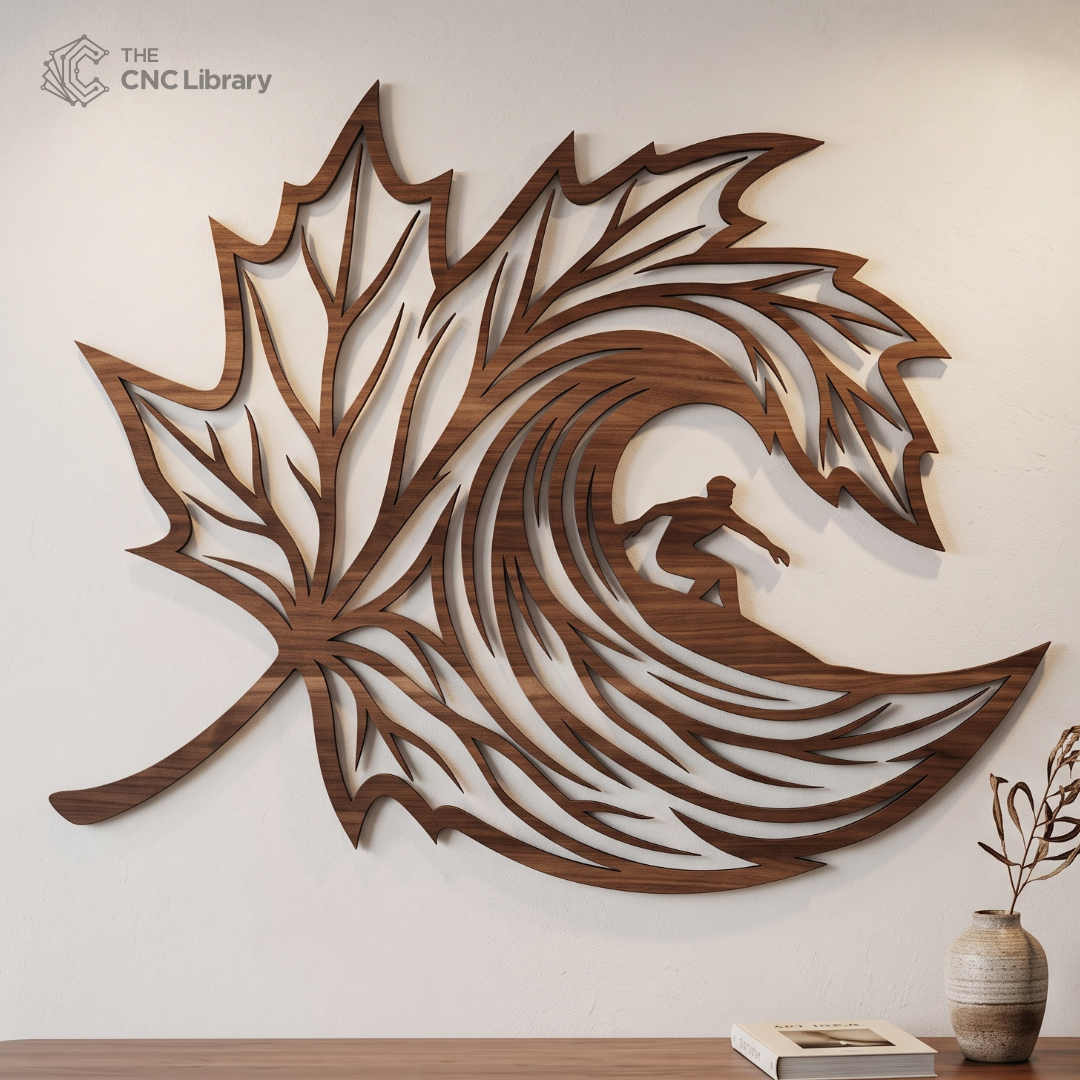
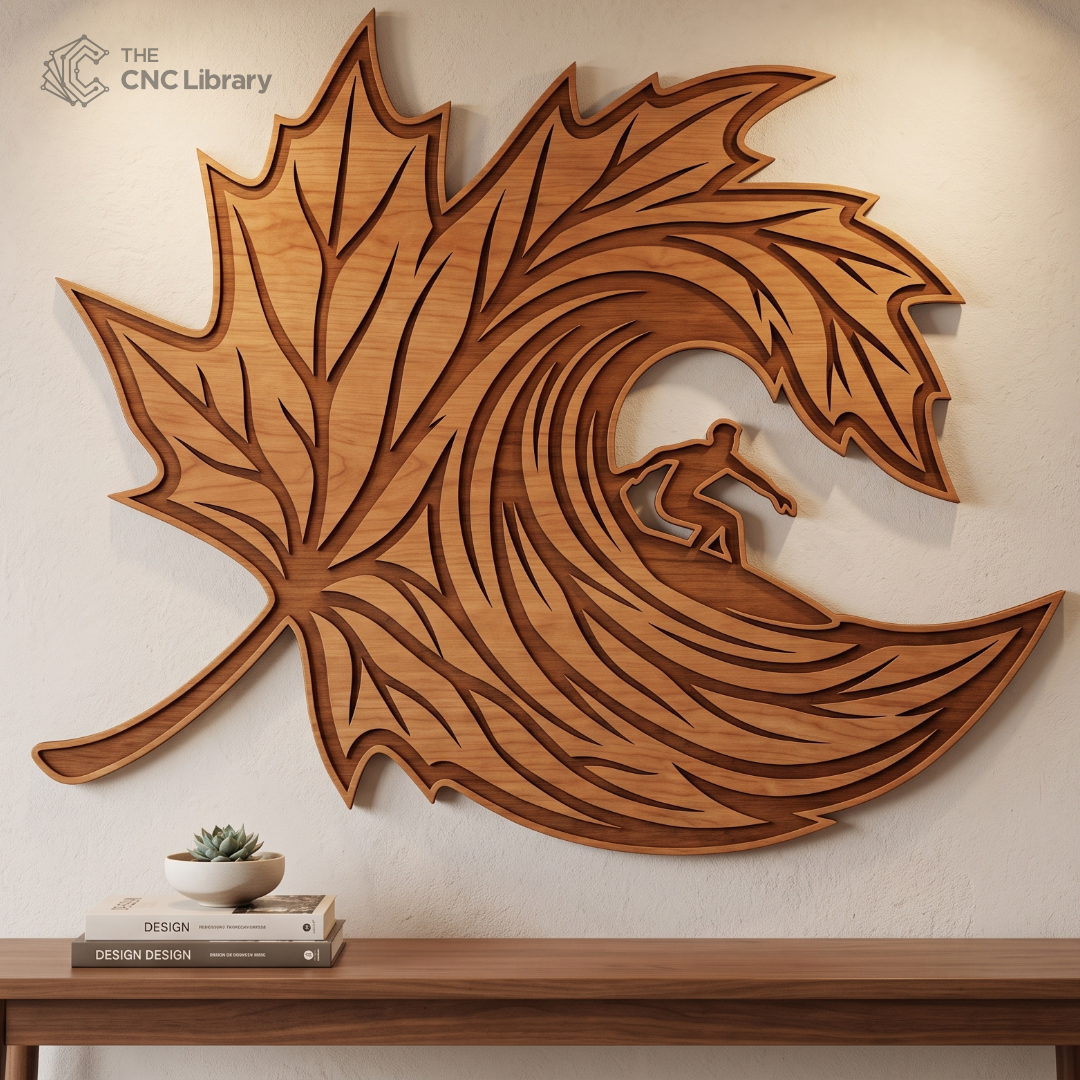
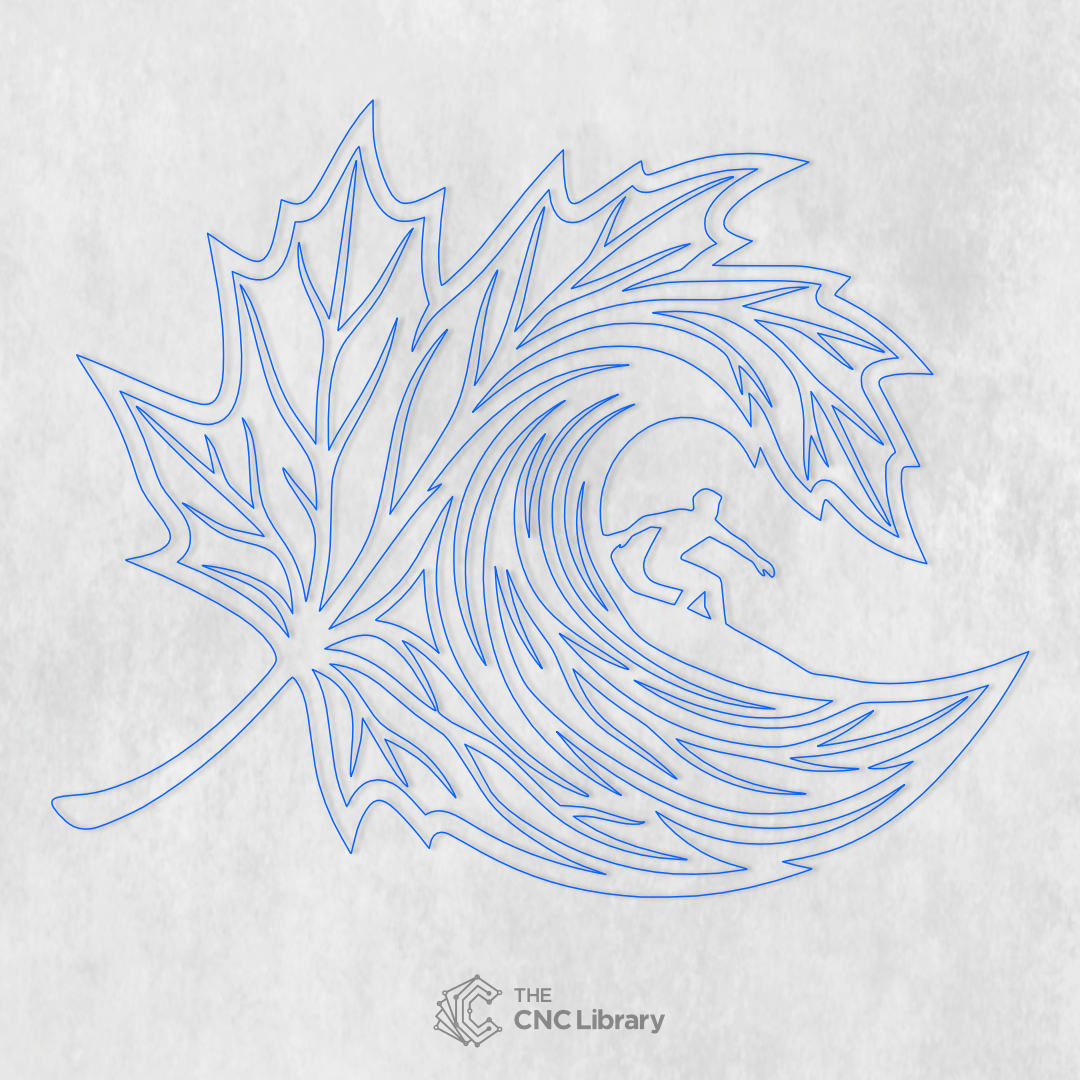
surfer wave maple leaf cnc file: Premium Wood Wall Art Vector Design
Elevate your woodworking shop offerings and captivate coastal art lovers with our premium surfer wave maple leaf cnc file. This unique conceptual design seamlessly merges the iconic silhouette of a classic maple leaf with the majestic dynamic flow of a surging ocean wave and a surfer riding the barrel. Created specifically for professional digital fabrication shops, artisan woodworkers, and laser crafting enthusiasts across North America and Europe, this vector template transforms raw timber into a striking artistic centerpiece for modern homes, coastal cabins, and art galleries.
Key Features & Vector Optimization
-
Clean & Closed Vector Paths: Designed with 100% closed polylines, eliminating broken paths, duplicate nodes, or stray points that cause spindle stutters or laser burns.
-
Optimized Node Count: Engineered with smooth bezier curves and reduced node density, guaranteeing lightning-fast processing in CAM software and silky-smooth machine motion.
-
Kerf & Tool Offset Friendly: Designed with proper tolerances so you can easily apply inside/outside profile toolpaths or kerf compensation without distortion.
-
Scalable Without Quality Loss: Vector geometry scales effortlessly from a compact 10-inch desk accent to a massive 48-inch statement wall installation.
-
Dual-Purpose Design: Works brilliantly as a single-panel relief carving/cutting or as a multi-layered stacked 3D wood project.
Recommended Materials & Thickness Guidelines
This digital file accommodates a wide range of materials depending on your target production method and aesthetic goals:
-
Plywood & MDF (Recommended): 3mm (1/8″), 6mm (1/4″), or 12mm (1/2″) Premium Baltic Birch Plywood yields crisp edges and high contrast when laser cut or CNC milled.
-
Solid Hardwoods: Walnut, Hard Maple, Cherry, Oak, or Mahogany (1/2″ to 3/4″ depth). Staining the outer leaf frame dark while keeping the internal wave natural creates breathtaking visual depth.
-
Acrylic & Hybrid Materials: Cast acrylic (clear, frosted blue, or translucent blue) combined with wood backings for a modern illuminated look.
-
Sheet Metal / Plasma Cutters: 14-gauge to 11-gauge mild steel or aluminum for industrial metal wall art.
Production & Finishing Inspiration
-
Two-Tone Timber Contrast: Cut the outer maple leaf geometry from dark walnut or stained dark plywood, and cut the internal wave lines and surfer silhouette from light maple or birch.
-
Resin Fill Techniques: CNC route the inner wave channels into a solid block of hardwood at a depth of 6mm–12mm, then pour ocean-blue or turquoise epoxy resin before sanding flush.
-
Layered 3D Relief: Stack 2 to 3 layers of laser-cut material with varying wood stains (e.g., deep blue wave background, natural wood surfer, walnut outer frame) to achieve a multi-dimensional shadow box effect.
-
LED Backlighting: Mount the finished piece off the wall using 1-inch standoffs and place an addressable LED strip behind the wave crest for ambient backlight illumination.
Machine Compatibility & Included File Formats
Our vector files undergo rigorous testing across major CAD/CAM software and digital cutting machines to ensure complete out-of-the-box compatibility.
Included File Formats in the Zip Download:
-
SVG (Scalable Vector Graphics): Optimized for LightBurn, Inkscape, Adobe Illustrator, Cricut Design Space, and Silhouette Studio.
-
DXF (Drawing Exchange Format): Ready for AutoCAD, Vectric VCarve / Aspire, Fusion 360, SheetCAM, and general CNC controllers.
-
EPS (Encapsulated PostScript): Ideal for CorelDRAW, Roland, and professional print/sign-making software.
-
PDF (Vector Document): Vector blueprint format for easy printing, manual scroll saw template tracing, or quick viewing.
Compatible Machines:
-
Laser Cutters: CO2 Lasers (Glowforge, OMTech, Thunder Laser, Boss Laser, Aeon), Diode Lasers (xTool D1/S1, Atomstack, Sculptfun), and Fiber Lasers.
-
CNC Routers: Shapeoko, X-Carve, Avid CNC, Laguna, Axiom, Carbide 3D, Camaster, and custom DIY CNC routers.
-
Plasma Cutters: Torchmate, Langmuir Systems, and custom CNC plasma systems.
Step-by-Step Cutting & CAM Setup Guide
-
Import & Scale: Open your preferred CAM program (e.g., LightBurn, Vectric VCarve Pro, Fusion 360) and import the SVG or DXF file. Adjust the dimensions to fit your material stock.
-
Assign Toolpaths:
-
For Laser Cutting: Set the inner fine details (wave lines & surfer profile) as high-speed vector scores or cuts, and the outer leaf border as the final profile cut.
-
For CNC Routing: Select a 1/8″ (3.175mm) or 1/16″ (1.58mm) downcut endmill for sharp inner corners without tear-out. Apply an “Outside” profile toolpath for the outer frame and “Inside/On-Line” profile toolpaths for the wave channels.
-
-
Set Speeds & Feeds: Adjust feed rate, plunge rate, and spindle RPM according to your specific machine manufacturer guidelines and material hardness.
-
Material Securing: Hold down your stock securely using painter’s tape and superglue method, vacuum table, or side clamps.
-
Post-Processing: Lightly sand the cut edges with 220-grit sandpaper, apply stain or Danish oil, and assemble/mount.
Commercial License & Terms of Use
-
Commercial Use Allowed: Purchase of this file includes a Small Business Commercial License. You are fully permitted to cut and create physical items for personal use or for sale in your online shop, craft fairs, or local retail stores (up to 500 physical units).
-
Digital Copyright Protection: You MAY NOT resell, share, redistribute, sub-license, or upload the digital files (SVG, DXF, EPS, PDF) or modified versions thereof to any website, marketplace, cloud drive, or social media group.
-
Instant Digital Delivery: This is a digital vector product. No physical product will be shipped to your address.
Reviews
There are no reviews yet.